

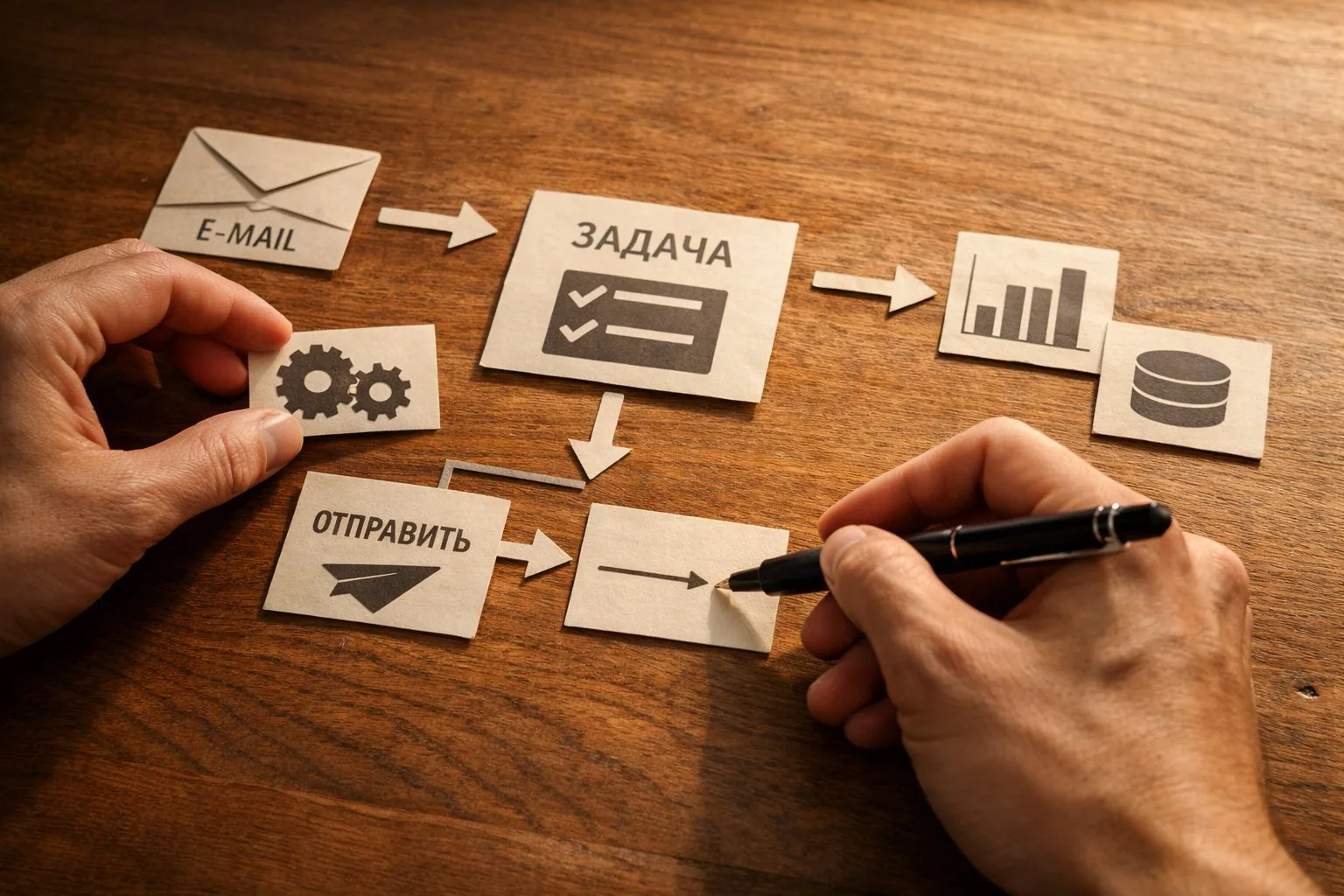
Claude Cowork: Automating Routine Without a Programmer
On January 12, 2026, Anthropic released Claude Cowork — a research preview of an agent that operates directly on the user's computer. Initially, it was available only to top-tier subscribers and only on macOS. By mid-2026, the tool became publicly available on all paid plans, running on both macOS and Windows. On July 7, 2026, it expanded beyond the desktop: sessions can now be launched from a browser on claude.ai and from a phone, with tasks executed remotely in the cloud. Over seven months, the product evolved from a closed experiment to a working tool, and this is precisely the case where it's worth understanding without the hype: what it can really do, where it stumbles, and who should consider trying it.
At West Star Ltd, we focus on automating business processes, integrating with 1C, and implementing AI in real work scenarios, so we view such tools not as news but as a potential node in someone else's infrastructure. The thesis of this article is simple: Cowork bridges the gap between "talking to a chatbot" and "writing a program." It takes the same agent mechanics behind developer tools and wraps them in an interface that can be used by a person without a line of code. But this convenience comes at a price, which is less often discussed than its capabilities.
WHAT IS COWORK AND HOW DOES IT DIFFER FROM CHAT
A regular chatbot responds with text. You ask — it writes an answer, and that's it. Cowork is structured differently: it accesses a folder on your computer, breaks the task into steps, generates auxiliary sub-agents if necessary, executes them in an isolated virtual machine, and returns the result as files. The difference is fundamental. A chat gives you text that you have to manually transfer somewhere. An agent does the work itself.
A practical example from the product description: you show it a chaotic downloads folder and ask it to organize it, or you give it a bunch of receipt screenshots and ask it to compile an expense table. It decides what steps are needed and executes them. It can parse documents, extract data, compile reports, prepare tables and slides. Excel files and presentations can then be refined in related spreadsheet and presentation tools.
Another important distinction is working with the browser. Cowork can open Chrome and act on websites: clicking, entering text, navigating pages, filling out forms. This shifts it from the "file handler" category to the "script executor" category, where part of the steps live on the web and part on the disk.
SCHEDULES, PLUGINS, AND SYSTEM CONNECTIONS
Three things turn Cowork from a toy into a tool. First — saved tasks. A scenario can be described once and then launched on demand or on a schedule, with the desired frequency. Scheduled tasks are executed in the cloud, meaning the computer doesn't need to be on at the time of execution. This capability makes scenarios like "compile a summary every morning" or "prepare a report once a week" realistic.
Second — plugins. On January 30, 2026, Anthropic added the ability to extend Cowork with custom plugins. A plugin can include integrations via the MCP protocol, giving the agent access to external applications. In practice, this means Cowork stops being confined to a local folder and starts reaching out to the company's work systems.
Third — connectors to popular services. Out of the box, the agent can work with task management and note-taking tools like Asana and Notion, executing multi-step scenarios without manual control of each step. For businesses, this is a key point: the value of automation arises not when AI processes a single file, but when it links several systems into one flow.
WHERE IT IS REALLY USEFUL FOR BUSINESS
In our practice, the most common pain point for small and medium businesses is not the lack of data, but the routine work of transferring it. Export, reformat, consolidate, send. This is where Cowork fits best.
The first class of tasks — organizing data. Disparate exports, screenshots, emails, invoices turn into a single table without manual copying. The second — regular reporting. A report compilation scenario described once then runs on schedule by itself. The third — web routine: filling out uniform forms, gathering information from pages, transferring data between a website and a table. The fourth — preparing drafts of documents and presentations, which a person then refines.
It's important to understand the boundary. Cowork effectively reduces the load on tasks where the rules are clear, the cost of error is low, and the result is easy to verify visually. It is not well-suited where legal or financial precision is needed without verification, because the agent can make confident and unnoticed mistakes.
HOW COWORK DIFFERS FROM A CLASSIC CHATBOT
This is worth understanding in more detail because confusion between a chatbot and an agent leads to incorrect expectations. A chatbot is a dialog interface. Its strength is in conversation: it explains, formulates, answers questions. But as soon as it comes to action, a chatbot hits a wall. It can suggest how to organize a folder, but it won't organize it itself. It can write a formula for a table, but it won't open the table and insert the formula.
An agent is structured around action, not conversation. It has access to files, the browser, external systems, and a planning mechanism: it breaks down a task into a sequence of steps and executes them. Conversation for it is just a way to receive a task, not the end product. That's why agents are compared not to a conversational partner but to an executor: you describe the result, not dictate every keystroke.
From this distinction follows an important practical conclusion. The value of a chatbot grows from the quality of its answers. The value of an agent grows from how reliably and predictably it completes a task without your involvement. These are different metrics, and evaluating an agent by the beauty of its text is a mistake. A good agent is one whose result doesn't need to be redone.
For businesses, this changes the very framing of the question. With a chatbot, you ask "how do I do this." With an agent, you ask "do this and show me the result." The latter saves much more time but requires more trust in the tool, which means more attention to the boundaries of its access and to verifying what it actually did.
LIMITATIONS AND WEAKNESSES
An honest conversation about a tool starts with its weaknesses, not its capabilities.
-
Research preview status. The product is still rapidly evolving and changing. The interface, behavior, and feature set may change from version to version, and building a critical process on a moving platform is risky.
-
Access to files and systems is an attack surface. An agent that reads your folder, opens a browser, and accesses external services can potentially execute a malicious instruction hidden in an email or on a webpage. This is a real class of threats, not theoretical, and it requires limiting rights and controlling what the agent has access to.
-
Errors are executed silently. The agent doesn't always signal that it went off track. It can confidently compile a table with mixed-up columns or fill out a form with incorrect data. Without human verification of the result, automation turns into the replication of errors.
-
Dependence on the cloud and subscription. Scheduled and remote tasks are executed on the provider's side. This is convenient but means dependence on an external service, its availability, rates, and data processing rules. For sensitive information, this is a separate issue.
-
Unpredictability in long scenarios. The more steps and the more they are tied to the state of external sites, the higher the chance that something will break in the middle. Short, deterministic scenarios are more reliable than long and branching ones.
-
False sense of simplicity. Describing a task in words is easy, but building a scenario that works consistently on real data day after day is engineering work. The entry threshold is low, the reliability threshold is high.
HOW WE VIEW THIS FROM IMPLEMENTATION PRACTICE
Our experience with automation tells us one thing: a tool of this class cannot be let into a critical loop without wrapping. It needs clear access boundaries, logging of what it did, and mandatory result verification at important steps. We treat such agents as very capable but inexperienced employees: they can be trusted with routine, but not left unsupervised where mistakes cost money or reputation.
It's worth mentioning data separately. Before giving an agent access to work folders and systems, it's worth honestly answering what exactly is there and what will happen if part of it goes into an external cloud scenario. For many processes, the answer will be calm. For some — no, and then automation needs to be built differently, with local processing of the sensitive loop.
PRACTICAL CONCLUSION
For the specialist: Start with one narrow routine task where the result is easy to verify visually — compiling a table from exports, a draft report, folder parsing. Don't automate right away what you're afraid to check. First, learn to trust the tool in a safe area.
For the manager: View Cowork as a way to relieve the team from mechanical work, not replace people. The greatest return comes from recurring scheduled scenarios and links between systems through connectors. Build in mandatory human control at the output.
For the owner: Treat implementation as an engineering project, not a purchase of a magic button. The entry threshold is low, but sustainable daily automation requires setup, rights restriction, and thoughtful data handling. A properly set agent saves dozens of hours a month; hastily set up — creates silent errors that are more costly than manual labor.
FREQUENTLY ASKED QUESTIONS
Do you need to know how to program to use Cowork?
No. The task is described in ordinary words, and the agent breaks it down into steps itself. But for the scenario to work consistently on real data every day, careful setup and verification are needed — this is closer to engineering discipline than to chat.
Can the agent work when the computer is off?
Scheduled and remote tasks are executed in the cloud, so they can run regardless of whether your computer is on. Local scenarios tied to your machine require it to be available.
How safe is this for work data?
The main risk is the very fact of access to files, the browser, and external services. The agent can execute a malicious instruction from a third-party site or email, so access should be limited, and sensitive data kept out of cloud scenarios. Security here is determined by how you set boundaries, not by the tool itself.
Will this replace a programmer or integrator?
No. It removes routine and speeds up rough work, but designing a reliable process, integrating with accounting systems, and handling exceptions are still done by people. The tool enhances the specialist, not replaces them.