
By 2026, artificial intelligence has ceased to be an experimental edge of the design process and has become a daily working tool. According to industry surveys in 2026, 91 percent of designers use AI at least once a week compared to 54 percent a year earlier, and three out of four use it every day. The distribution by tools is also indicative: Claude's share among designers increased from 52 to 78 percent, surpassing the usual leader for the first time, while the share of a universal chatbot from another developer in this audience decreased from 88 to 65 percent. Separately, 58 percent of specialists use AI for wireframes — compared to 32 percent five years ago. This is no longer hype, but a change in working tools, and it should be analyzed soberly.
At West Star Ltd, we use these tools every day in real client projects — from landing pages to internal control panels. Therefore, we are not talking about promotional videos, but about what we see in practice. The thesis of the article is simple: Claude is indeed useful in design and prototyping, but only within clear boundaries. Below is an honest analysis of what works, what doesn't, where the tool saves hours, and where it creates the illusion of a finished result.
WHAT CLAUDE REALLY DOES WITH GRAPHICS AND INTERFACE
The key mechanic is the so-called artifacts. You describe the task in words, and the model generates code and immediately shows a live result in the panel next to the dialogue, without installing editors and assembling the project on your computer. Several formats are supported at once: HTML markup along with styles and scripts, React components, vector graphics in SVG format, and diagrams. The preview is fully functional — the page loads styles and scripts, the component responds to clicks, and the vector remains sharp at any scale.
This results in a practical set of capabilities. Vector graphics are suitable for icons, simple logos, infographics, and diagrams — all of this scales without losing quality and remains editable because it's code, not an image. Interface components are not a static layout but working buttons, forms, switches, and states. Diagrams are conveniently assembled for documentation and presentations directly from text descriptions.
That's why the approach differs from traditional graphic editors. The output is code, not a raster image. It can be placed in a repository, put under version control, handed over to a developer, and refined in parts. For teams whose interface ultimately lives on the web, this is closer to the final product than an exported layout.
FROM TEXT DESCRIPTION TO CLICKABLE PROTOTYPE
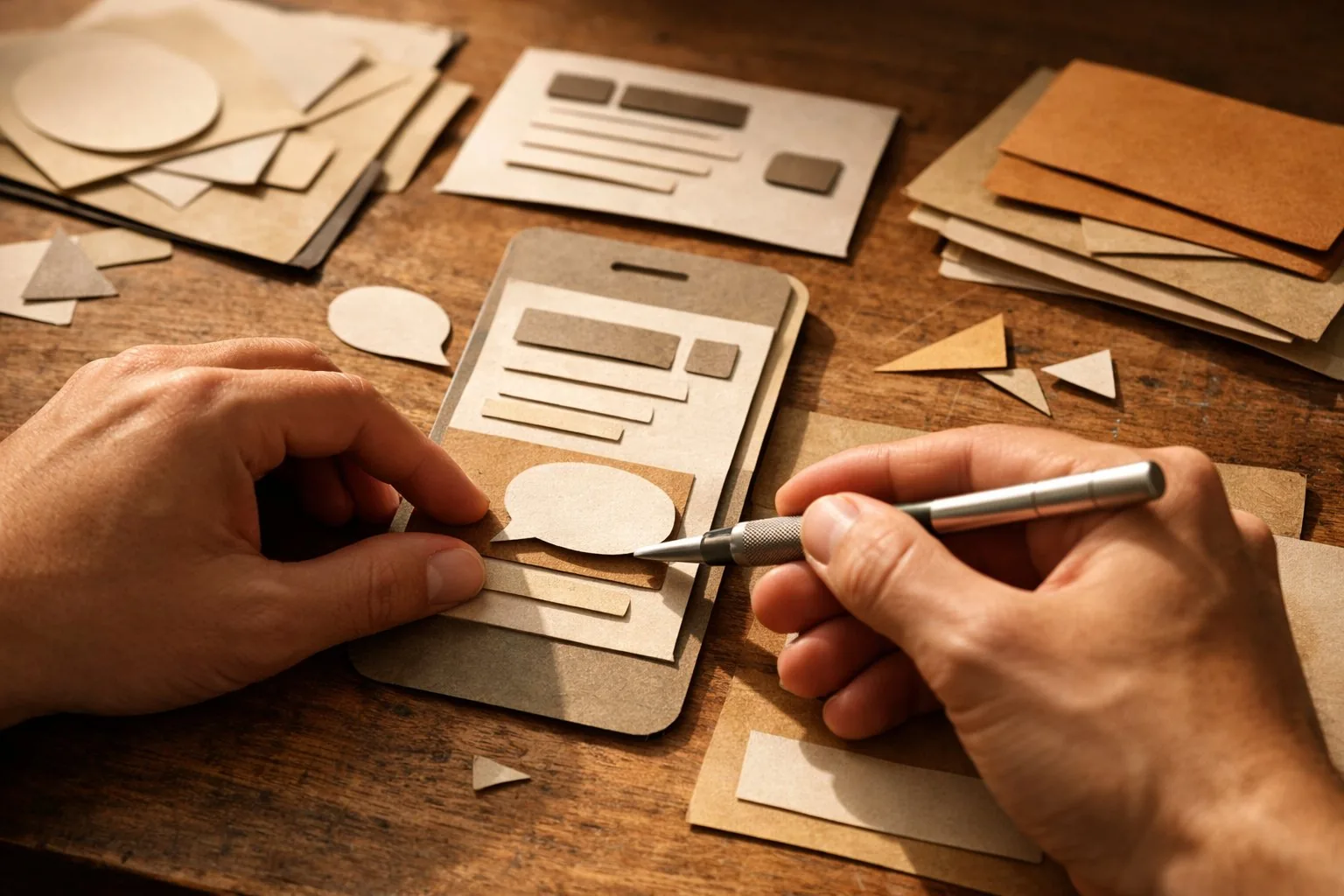
The strongest scenario is the quick transition from an idea to something tangible. You describe the screen in words: what blocks, what logic, what approximate style — and in a few minutes, you get a clickable prototype, not a drawing. Then the main thing begins: refinement through dialogue. Phrases like "make the cards wider," "add a dark theme," "swap columns," "remove extra padding" turn into edits before your eyes. You don't need to manually move elements — you describe the intention, not the pixels.
A large context window significantly changes the quality of this process. Senior models in the lineup — for example, Opus 5, released on July 24, 2026 — work with a context of up to a million tokens. In practice, this means that a whole style guide, a set of existing components, and layout rules can fit into one request, and then the new screen is not created "in a vacuum" but in the logic of your product. Without this, the model honestly produces a reasonable but foreign-style result.
In our practice, for typical tasks, the path from idea to clickable prototype is reduced from days to hours. The caveat is important — specifically for typical tasks. The more standard the task and the more precise the description, the closer the first result is to what is needed. The more original the idea, the more iterations and manual refinement lie ahead.
WHERE IT REALLY SAVES TIME
After several months of intensive work, we have compiled a clear list of tasks where the return is obvious:
— Sections of landing and marketing pages: a quick draft that is not embarrassing to show during discussions and on which it is convenient to argue about structure rather than words.
— Internal panels and admin areas: where logic and data are more important than polished aesthetics, the model covers most of the work.
— Wireframes and early concepts: they are not a pity to throw away and rebuild anew, which is exactly what's needed at the start.
— Sets of icons, simple illustrations, and diagrams for documentation and presentations.
— Interactive calculators, forms, and small demos for clients that are easier to show than describe in words.
— Screens for a minimally viable product: when you need to test a micro-product idea before investing in a full-fledged designer.
The common denominator for all points is this: it's draft, repetitive, or testing work where speed and the ability to quickly discard a failed option are more valuable than unique aesthetics.
HOW WE INTEGRATE THIS INTO THE WORKFLOW
The tool provides value not by itself but within discipline. We have developed several rules that separate quick results from endless rework, and they are more important than any individual technique.
First — start with context, not with a request. Before requesting a screen, we provide the model with a palette, fonts, paddings, a set of already prepared components, and a couple of examples of how we usually do things. Then the first result fits the product style, not an averaged template, and the number of iterations drops significantly.
Second — move in small steps. One screen, one state, one edit at a time. Requesting the entire personal account at once almost always results in a beautiful but useless draft; requesting an order card with three states results in a working fragment that fits into the project without rework.
Third — fix the successful. As soon as a variant is liked, we save the code in the repository and further refine it, not asking the model to recall the previous result. This protects against instability between launches and the slow spread of style.
Fourth — separate roles. The model does the draft and routine, the person makes decisions on meaning, composition, and priorities. As soon as this separation blurs, quality drops, and deadlines, on the contrary, grow due to hidden refinement. This order sounds simple, but it is precisely what turns an impressive demonstration into a predictable working tool.
WHAT IT DOES NOT REPLACE
It's important not to deceive yourself here. Design is not just a picture. User research, understanding their real tasks and usage context is not done by the model: it doesn't know your clients and builds plausible but unverified solutions. Unique brand style, emotion, and brand consistency across dozens of touchpoints are also a human domain. Complex aesthetics, a sense of rhythm and composition, non-trivial visual moves are weakly given to models: they tend to a safe middle. Finally, interface accessibility and real usability testing on live people are separate disciplines that code generation does not cancel.
The correct framework is this: the model is a strong accelerator on routine and draft sections, but not a carrier of design judgment. It answers the question "how it might look and work," but not the question "what the user really needs here."
LIMITATIONS AND WEAKNESSES
An honest list of shortcomings is more important than a list of advantages — this is where expectations break.
-
Only preview, no hosting or deployment. An artifact is a demonstration. To become a working product, a developer is needed: integration, server and database connection, environment. The prototype itself is not published anywhere.
-
One file and no backend. The output is limited to a single file without real data storage. A full-fledged multi-page application with server logic cannot be assembled this way — it's a facade, not a building.
-
Visual uniformity. Models tend to typical patterns: similar cards, gradients, layouts. Without strong artistic direction, a recognizable "generalized AI look" is obtained, which a trained eye reads immediately.
-
Result instability. Two launches of the same request give different results. Maintaining a unified style across dozens of screens is difficult if a rigid design system is not embedded in the context, and even then discrepancies occur.
-
Justified distrust of quality. More than half of the designers in the 2026 surveys worry about AI's impact on quality, and 62 percent do not trust its recommendations on user experience. This is reasonable: the model confidently offers what looks right but has not been tested on real tasks.
-
Hidden cost of refinement. Getting to the first result is fast, but bringing it to production — pixel-perfect, edge cases, behavior in different browsers, responsiveness for screens — often eats up the saved time. The feeling of "almost ready" is the most dangerous for planning: it's there, but the finished product is not.
PRACTICAL CONCLUSION
For a specialist — designer or developer. Use the model as a routine accelerator: wireframes, drafts, icons, typical markup, first versions of components. Embed your design system and examples of existing code in the context — this way, the result will cease to be foreign. Leave the final judgment, taste, and refinement to production to yourself; this is your value, not the manual assembly of the tenth identical screen.
For a team leader. The tool is good for shortening iteration cycles and quickly testing hypotheses, but not for replacing designers. Plan a separate "bring to production" stage — it does not disappear and often turns out to be longer than it seems in the demonstration. Agree within the team where the boundary between a prototype for discussion and a layout that goes into development lies.
For the owner. For a minimally viable product and idea testing, this is a cheap way to see a clickable prototype before major investments and conversations with contractors. But a prototype is not a product. Separate demo and finished solution in the budget, otherwise, it's easy to pay for the feeling of readiness, not for readiness itself. We see the greatest return where the model covers draft and testing work, and final decisions are made by people.
FREQUENTLY ASKED QUESTIONS
Will Claude replace a designer?
No. It takes over part of the routine — drafts, wireframes, icons, typical markup — but not user research, taste, or brand work. In practice, the "designer plus model" bundle is faster and stronger than each individually.
Can the generated prototype be immediately put into production?
No. The artifact lives in preview mode, limited to one file, and has no server part or database. To become a working product, a developer is needed to integrate the code, connect data, and prepare the environment.
What language is best for describing a task?
The Russian language works fine. Specificity is more important: list blocks and states, provide style examples, and for uniformity, embed existing code and design system rules in the request. The more precise the description, the fewer iterations and the closer the first result is to what is needed.
What about data and privacy?
Capabilities are available on paid plans and through the software interface, but before uploading sensitive materials, think through the data handling policy within the team. A draft layout is one thing, but real client data in a prototype is quite another, and it should be handled carefully. For idea testing, an anonymized example is almost always sufficient, not a real database.